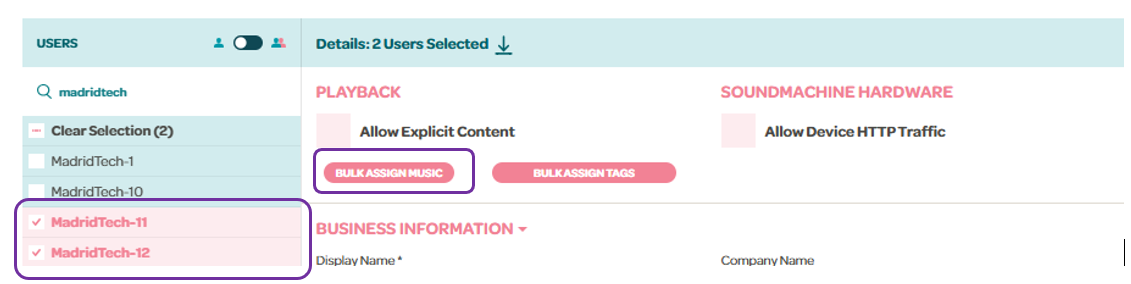
As an administrator, you can assign stations, mixes, or schedules to your users. To do this, go to the Users tab and select the desired users by holding the Shift key. Once selected, click the “Bulk Assign Music” button or "Assign Music" if it's only one account.
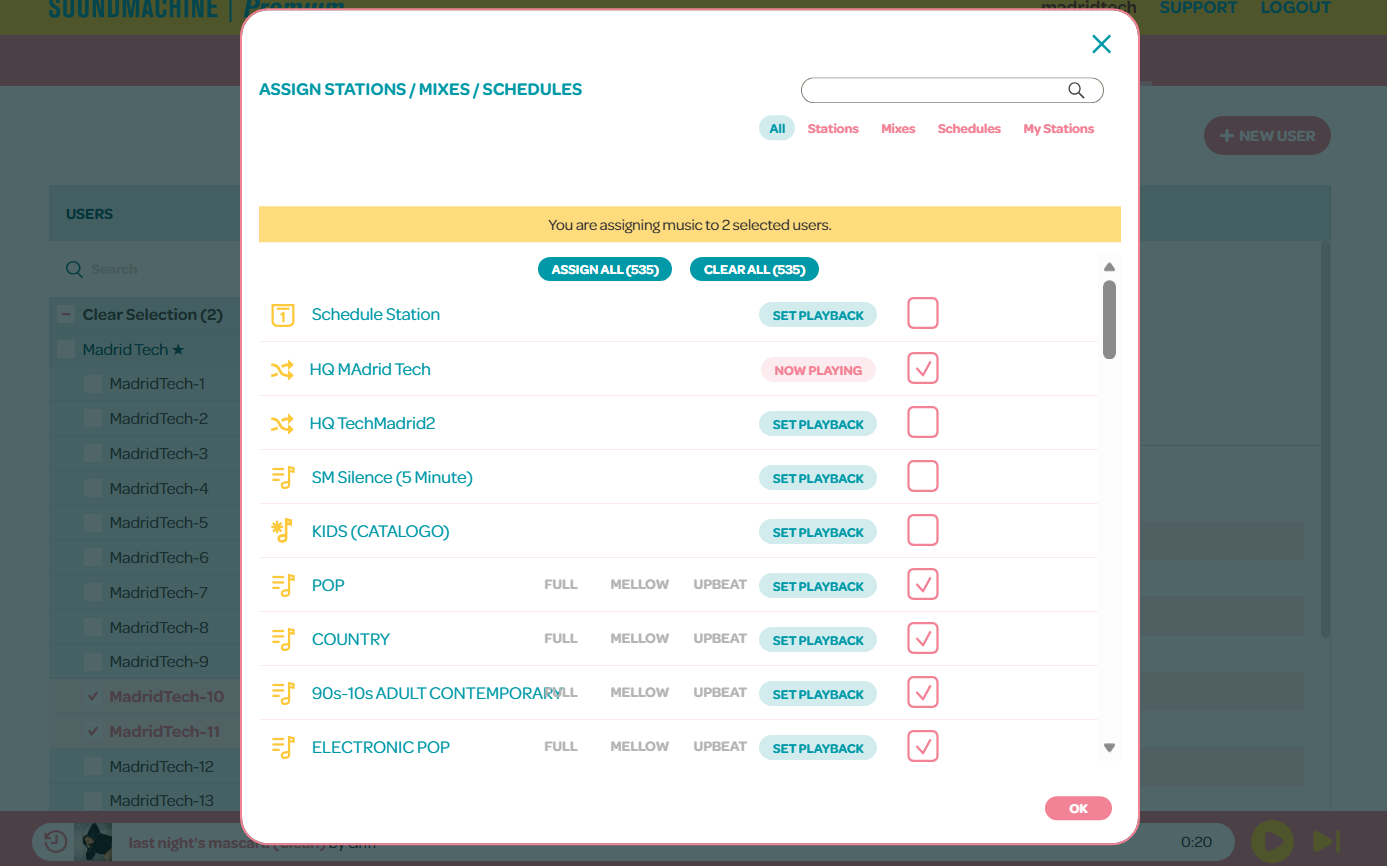
Look for the station or stations you wish to assign and click the box beside the channel. The "Set Playback" button will designate that particular station to play on the players.
Make sure to save the changes by clicking "OK".