Parted messages can play at timed intervals (number of minutes), or song intervals (number of songs). Timed intervals will interrupt the currently playing song on the SoundMachine hardware. Third party hardware will play the message as close to the time as possible without interrupting a song (usually immediately following the song playing at the scheduled time).
Go to Messages and select the campaign you would like to edit or create a new one:

- Make sure the toggle in the Scheduling section is set to PARTED
- A campaign set to play every 15 minutes will cycle through the messages every 15 minutes after the start time
- A campaign set to play every 10 songs will cycle through the messages at the end of every 10th song
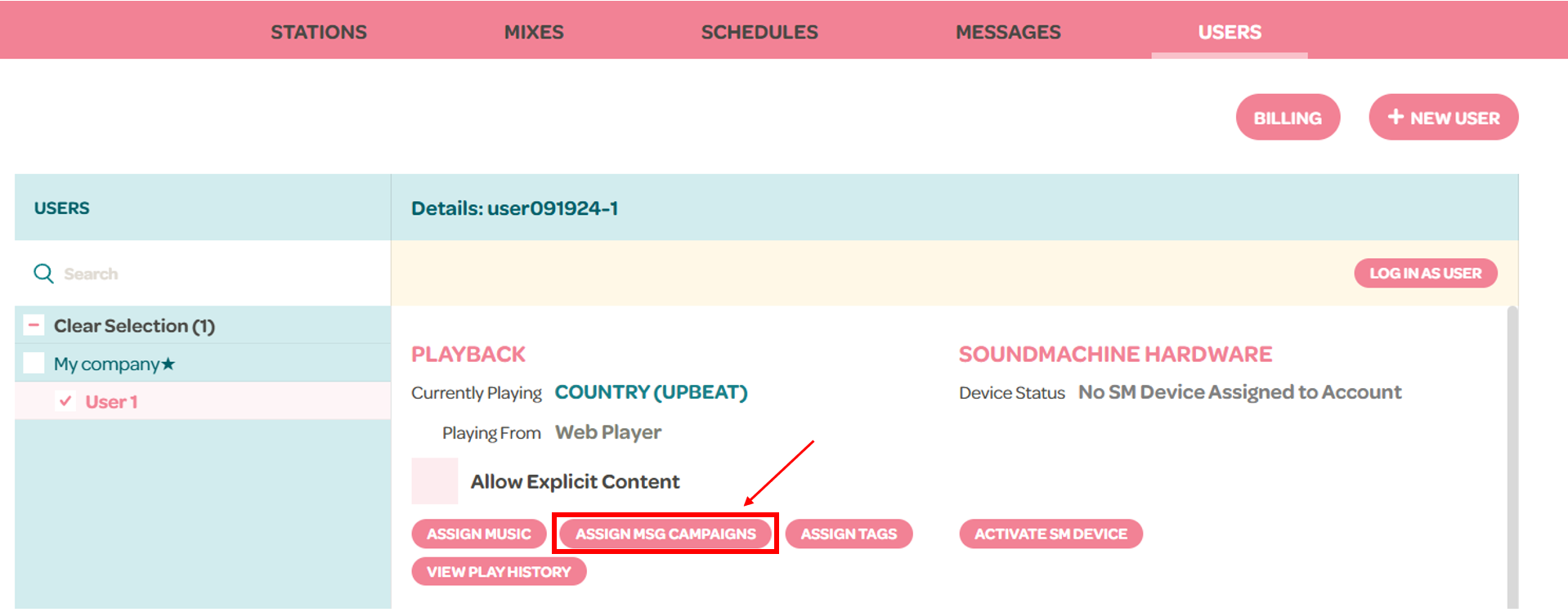
To assign a campaign:
- Go to the Users tab
- Click on a user
- Click the "Assign msg campaigns" button
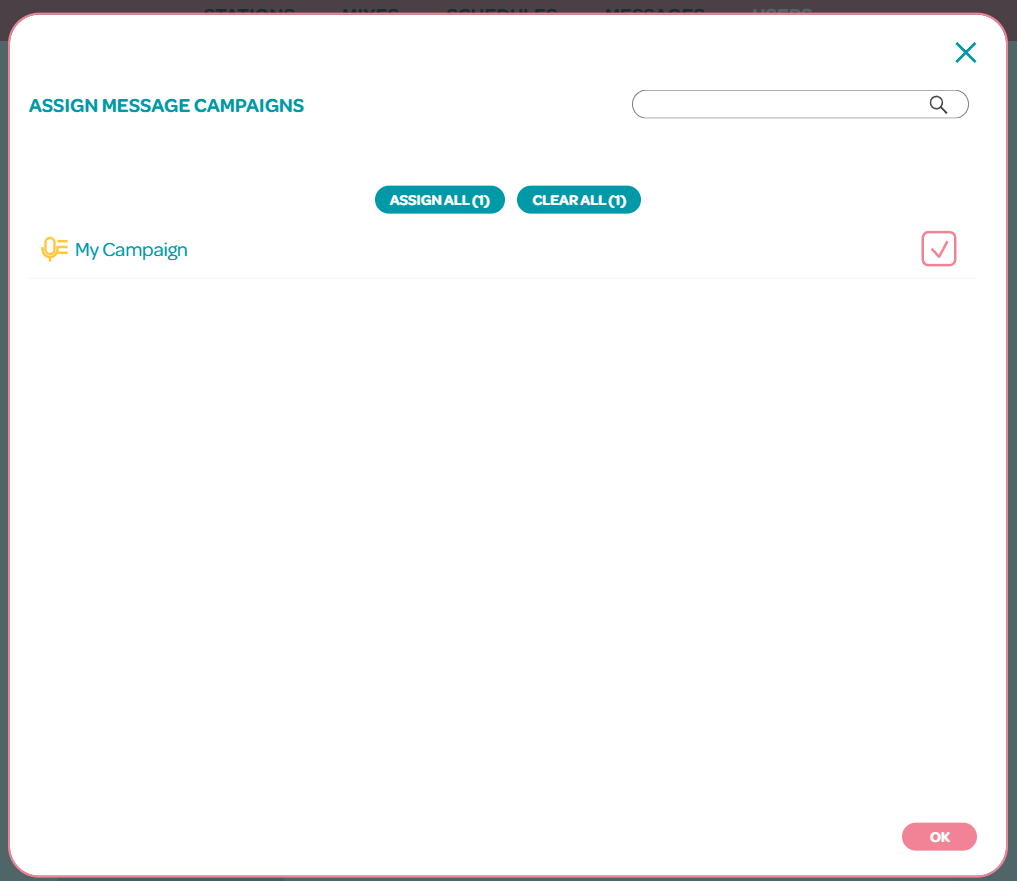
- Select the campaigns that you want active and click OK
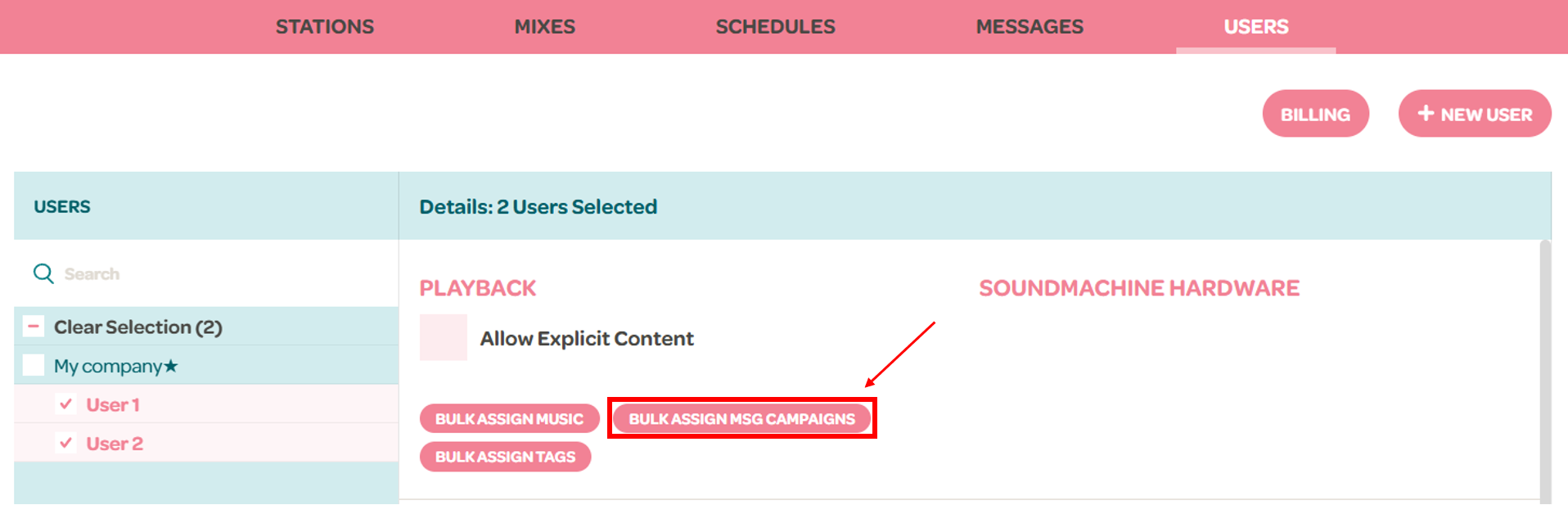
You can also bulk assign campaigns to multiple users by
- Holding the Shift key on your keyboard
- Selecting on multiple users
- and clicking on the "Bulk Assign msg campaigns" button