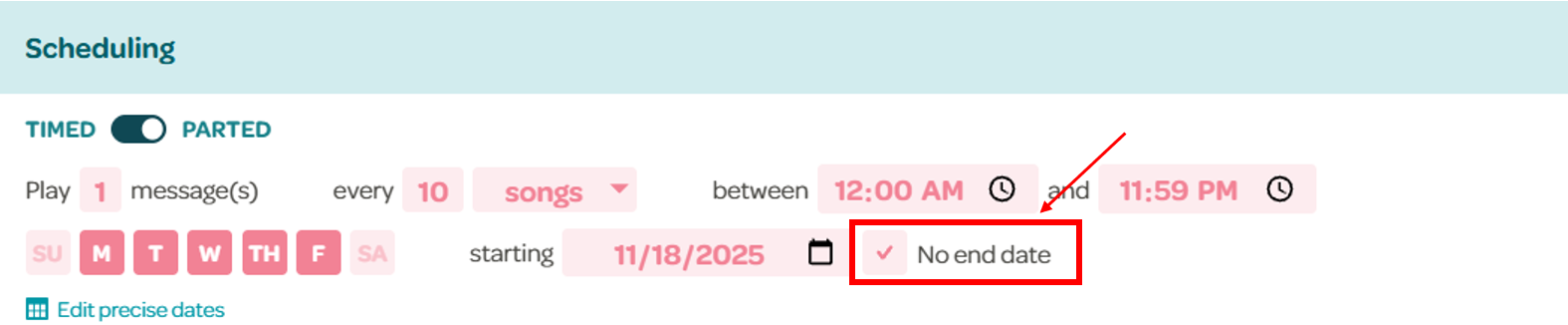
By default, campaigns play every day of the week, starting the day the campaign was created, and have no end date.
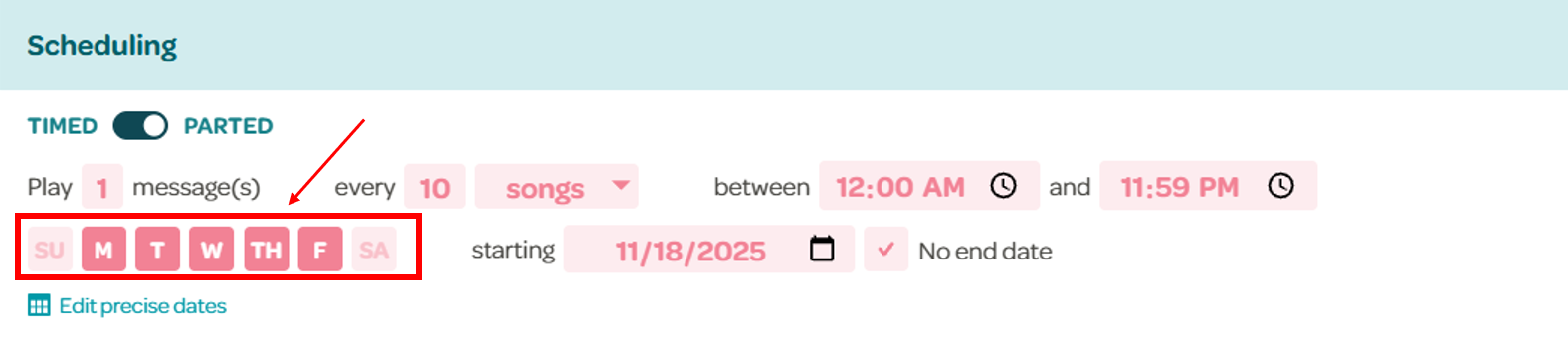
You can choose which days the campaign will play by clicking on the days of the week. If the day is a solid color, it means it will play that day, otherwise it won't play.
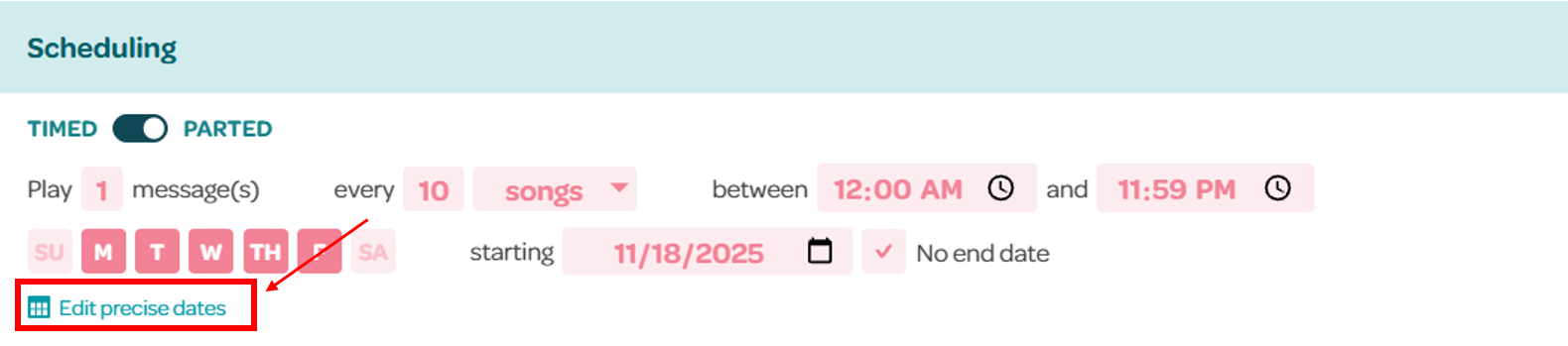
If you need more precise control on specific dates the campaign should or should not play, click on "Edit precise dates".
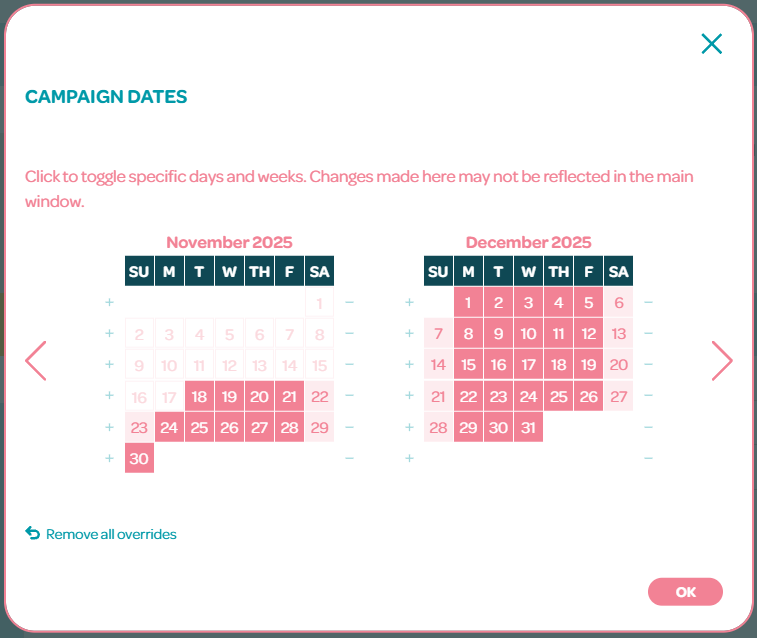
A calendar will pop up where you can toggle specific days and weeks. Clicking the individual dates will add/remove them. Clicking the + icon to the left of the week will add all the days in that week, and clicking the - to the right will remove them. You can have up to 49 of these overrides on each campaign.
If you want to reset the dates to the default days of the week you have selected, simply click on "Remove all overrides" below the calendar.
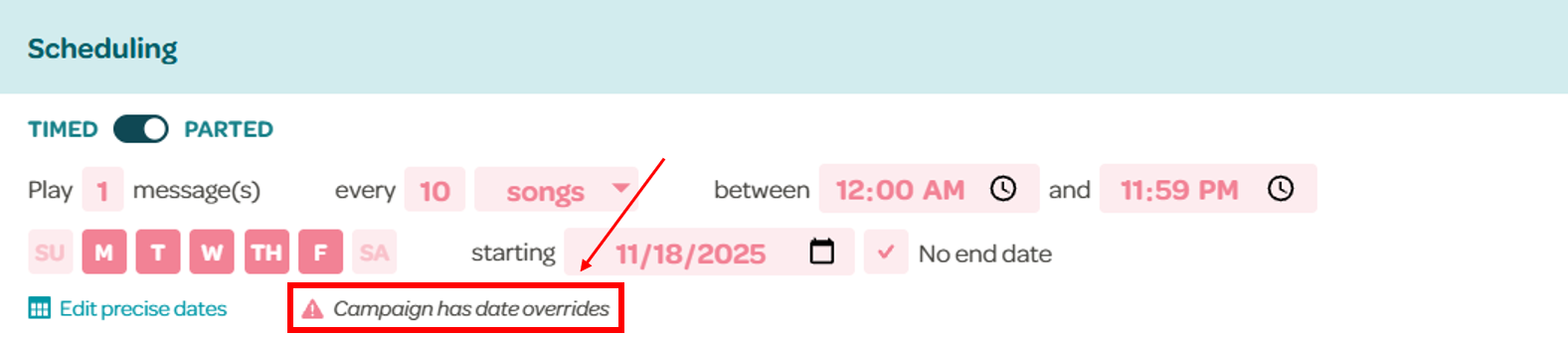
Whenever a campaign has precise dates, a warning that says "Campaign has date overrides" will be shown:
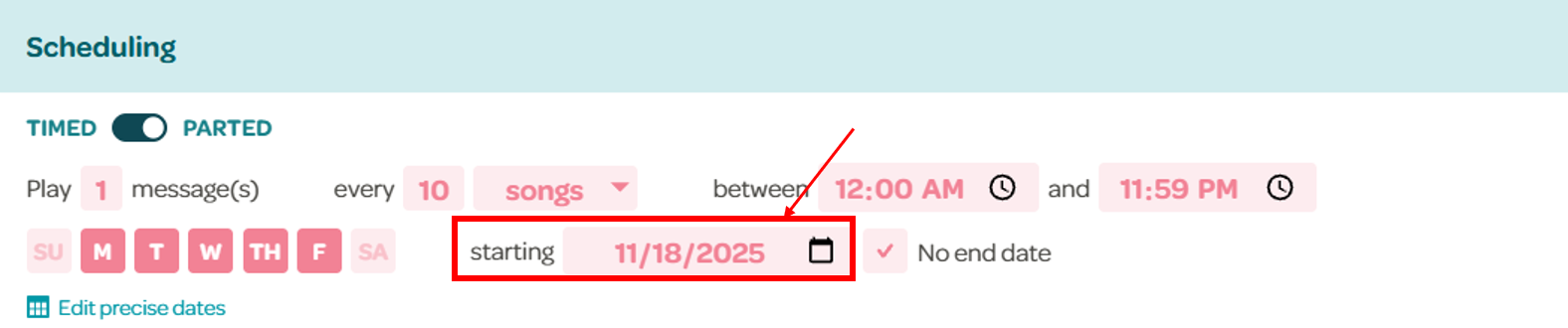
To change the start date of the campaign, simply change the starting/from field by either typing the date or clicking the calendar icon and selecting the date.
To add an end date to the campaign, deselect the No end date option, and choose a specific date. Selecting it again will remove the end date.