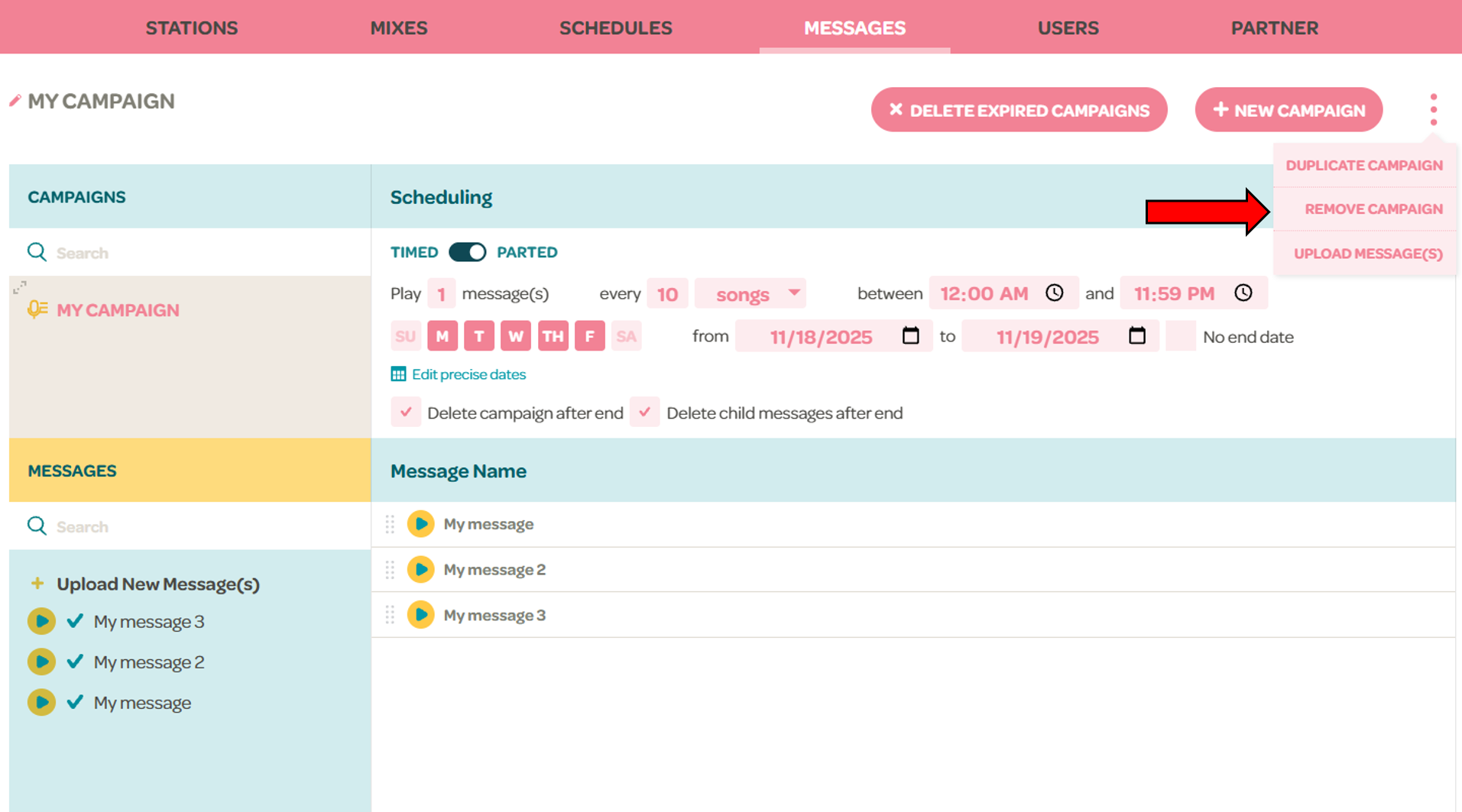
You can delete campaign by clicking the three dots menu > Remove Campaign
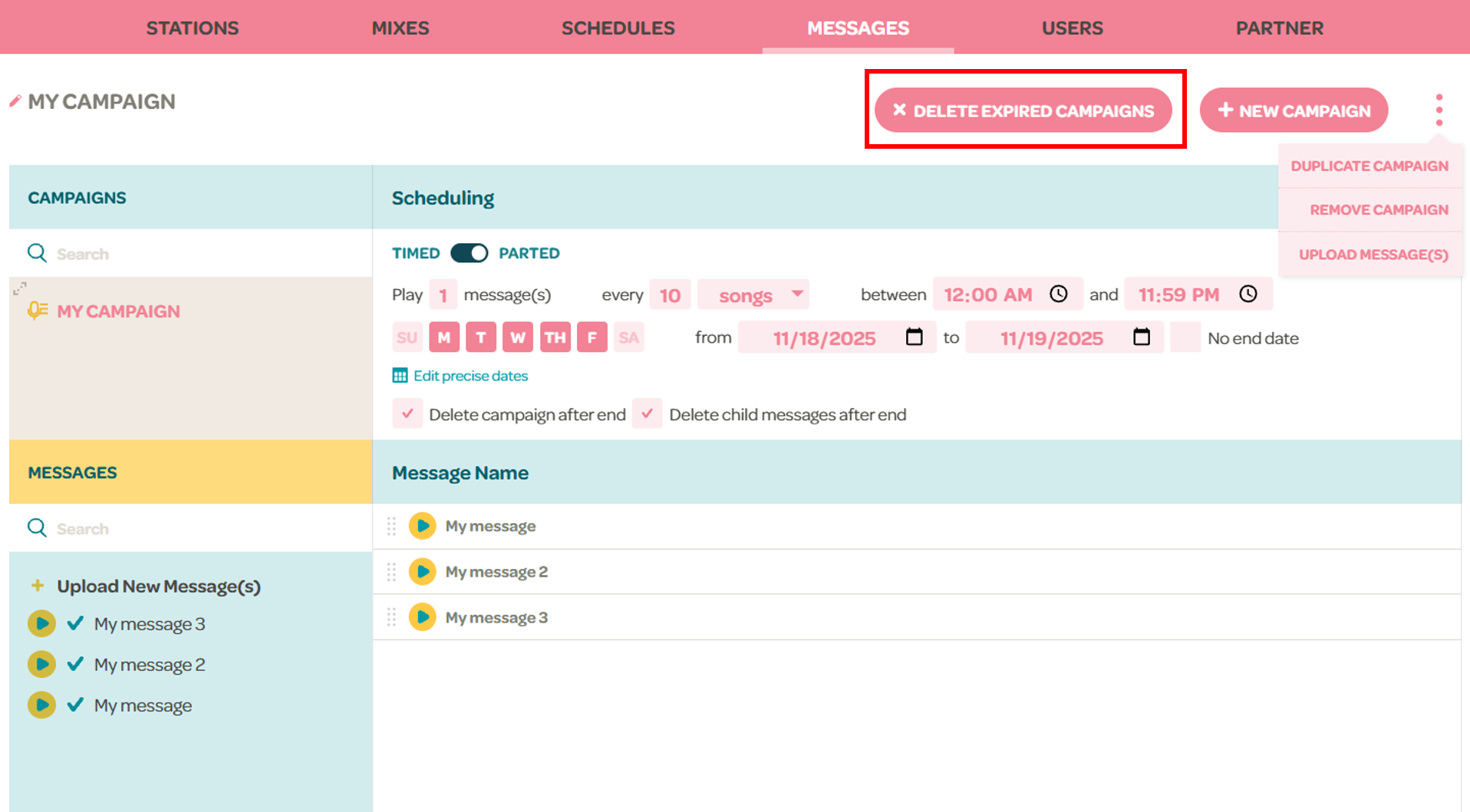
If a campaign has an end date, it will be considered expired after that date has passed. You can click the "Delete expired campaigns" button at the top to delete all campaigns whose end date has passed.
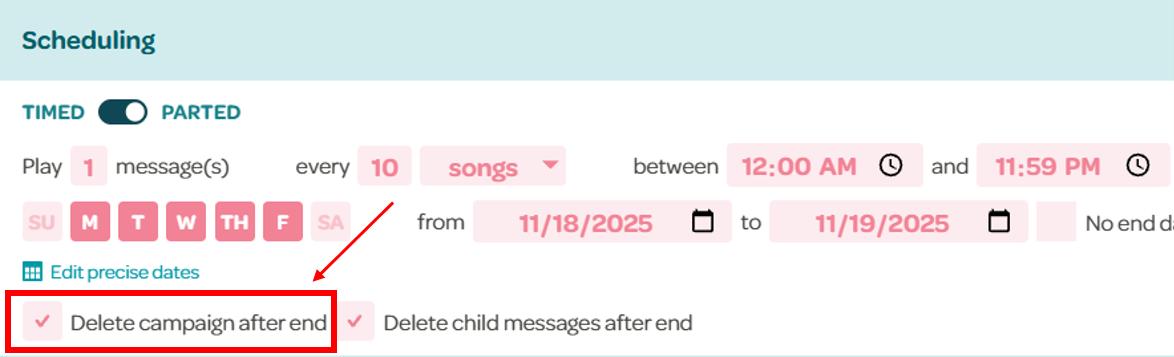
There is also an option to delete the campaign automatically after it ends in the scheduling section. This will occur within 2 days of the campaign being expired.
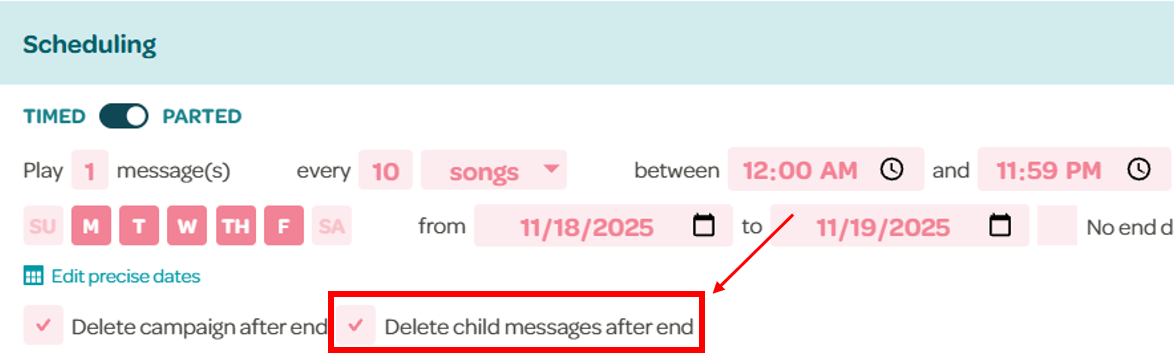
If this option is selected, you will also have the option to delete all the messages that were used in the campaign.
Note: if the messages are deleted, they will also be removed from any other campaign that is using them as well.