To change your account plan, or to cancel your account: Click on the Users tab:

Click "Billing"

Click "Change Plan / Cancel Subscription"

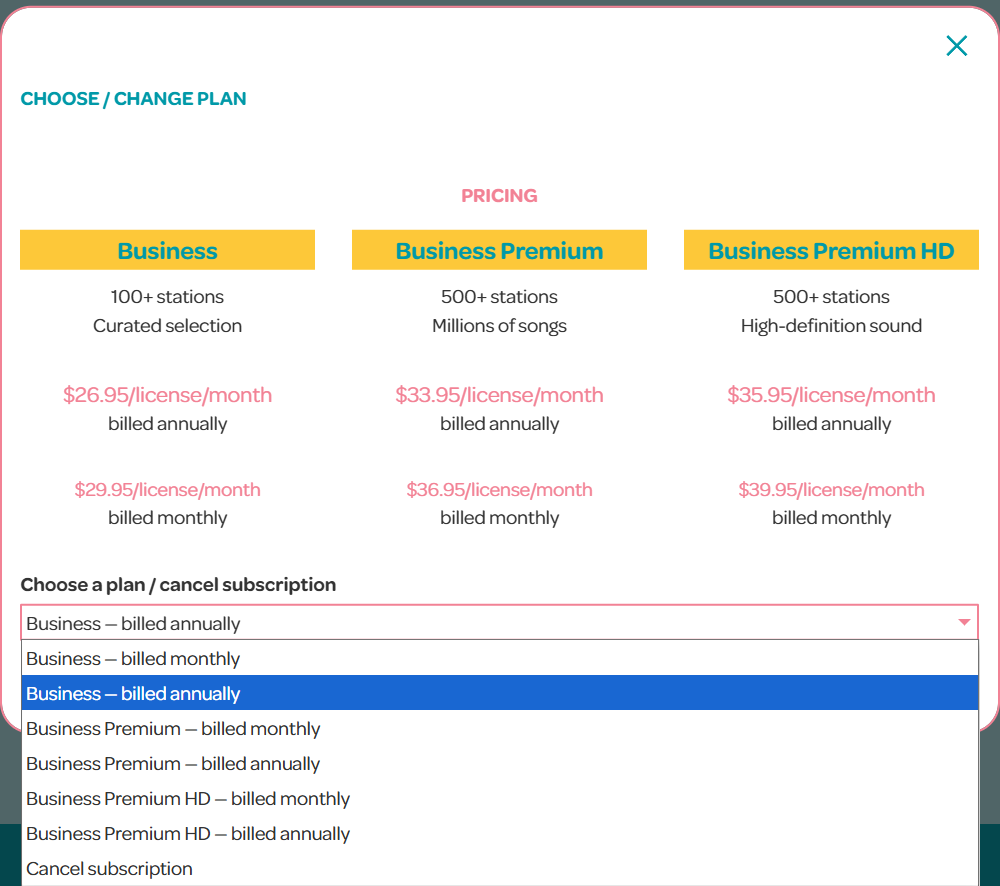
Choose your new plan from the drop-down menu at the bottom, and click "Save"

Modified on: Fri, 5 Jun, 2026 at 2:11 PM
To change your account plan, or to cancel your account: Click on the Users tab:
Click "Billing"
Click "Change Plan / Cancel Subscription"
Choose your new plan from the drop-down menu at the bottom, and click "Save"
Did you find it helpful? Yes No
Send feedback